修改linux时区
ubuntu:
rm /etc/localtime
ln -sf /usr/share/zoneinfo/Asia/Shanghai /etc/localtime
centos
echo "Asia/shanghai" > /etc/timezone;
ubuntu:
rm /etc/localtime
ln -sf /usr/share/zoneinfo/Asia/Shanghai /etc/localtime
centos
echo "Asia/shanghai" > /etc/timezone;
configure:error:no acceptable C compiler found in $PATH这里提示是缺少C的编译器这个时候需要安装C的编译器但是我冬日大神告诉我还要点别的省的出问题。执行下面搞定:apt ins...
一、supervisor简介Supervisor是用Python开发的一套通用的进程管理程序,能将一个普通的命令行进程变为后台daemon,并监控进程状态,异常退出时能自动重启。它是通过fork/exec的方式把这些被管理的进程当作supe...
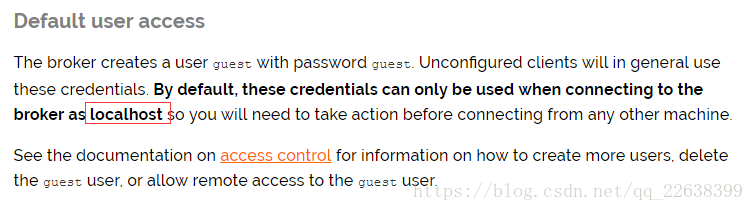
准备工作一台服务器:Ubuntu Server 16.04.1 LTS 64位安装RabbitMq可以参照RabbitMq官网的安装教程(Installing on Debian and Ubuntu),来进行安装。这里我们使用apt-ge...
强制升级:sudo pip install --ignore-installed +模块名...
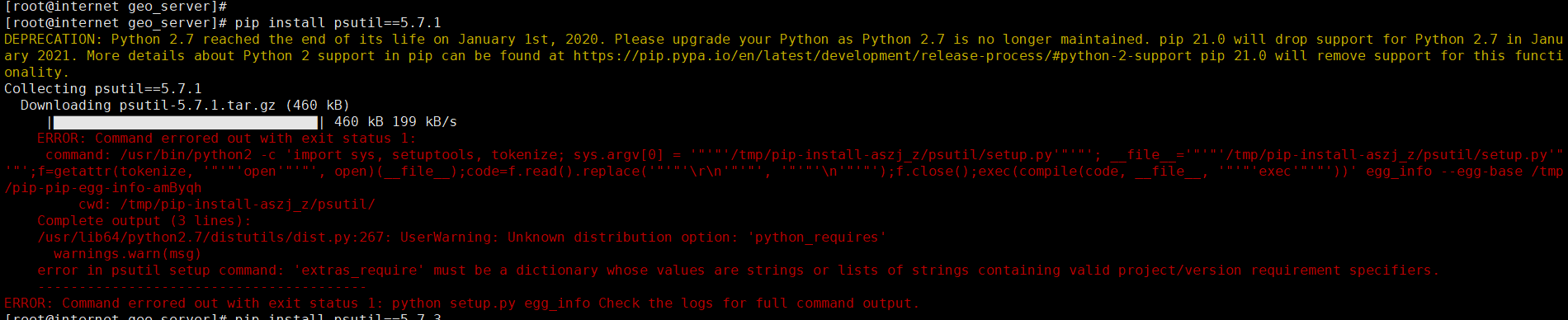
解决yum install python2-develpip install --upgrade setuptools...
git rm -r --cached . git add . git commit -m "update .gitignore" git status查看是否是"working di...